GSI AMTAS Flex
Tablet Automated Audiometry
When you need a validated and accurate hearing screening, you need technology created by audiologists, for audiologists. GSI AMTAS™, or Automated Method for Testing Auditory Sensitivity, is a patient-directed evaluation tool that uses patented test methods and accuracy algorithms to perform diagnostic or screening audiometry. With over 15 years of research and development, the validity of AMTAS has been proven through comprehensive studies. AMTAS was created as a resource for clinicians to help manage their busy schedules and promote an efficient office environment. Most importantly, AMTAS allows the patient to independently administer a hearing test, which frees up the clinician and provides them more time to spend focused on patient care.
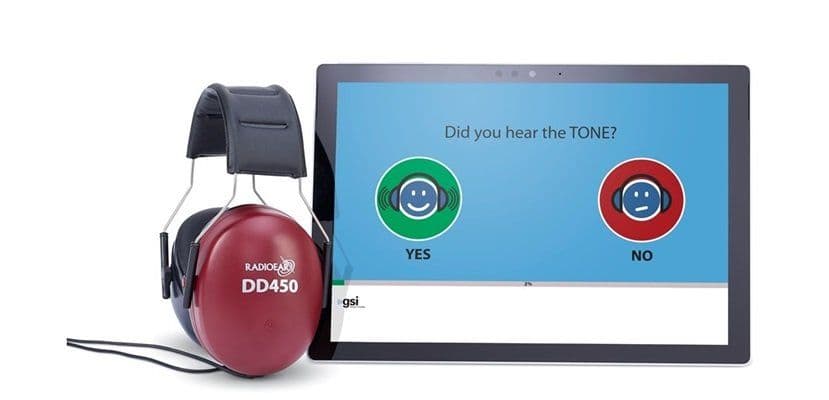
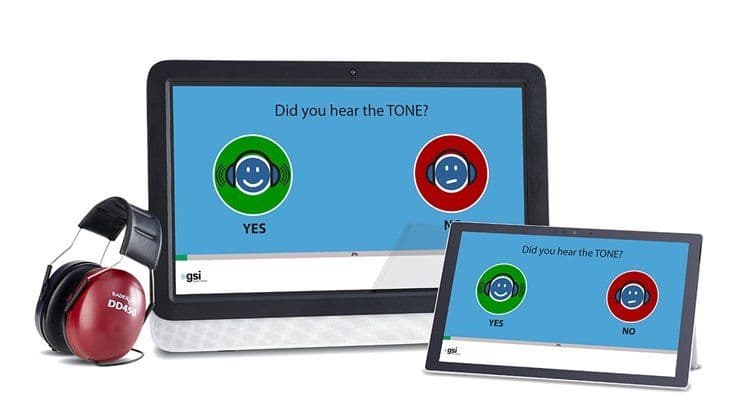
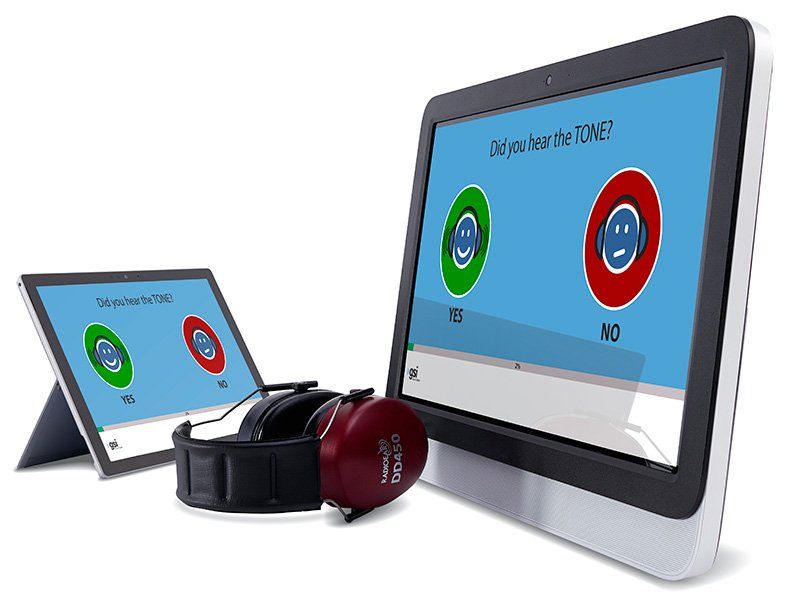
GSI AMTAS Flex is a software installed on a tablet computer with headphones attached. No separate audiometer is required to conduct hearing testing. Patients will feel comfortable working their way through the test independently. GSI AMTAS Flex offers screening and diagnostic air, bone, and speech audiometry. The pass/refer screening test typically takes 1 - 2 minutes, pure tone threshold testing takes between 5-7 minutes, and a full diagnostic air/bone/speech test takes about 15-20 minutes to complete. Pure tone threshold testing provides up to 6 quality indicators, while diagnostic testing provides 9 quality indicators.
Request Quote
We will connect you with your local distributor, who will be able to provide you with the most accurate pricing information and answer any further questions that you may have.
Latest Updates
The latest version of GSI AMTAS now includes a single software configuration that allows for easy customization of GSI AMTAS Flex™ and GSI AMTAS Pro™. For more information about the new capabilities with GSI AMTAS, watch the training video.
Other updates include:
- Cloud-Based Registration for GSI Cloud Users
- Bone Conduction Inter-Octave Testing
- GSI Video Otoscope Integration
- Enhanced Ambient Noise Check
Key Software Features
- Self-directed and self-paced software
- Air, bone, and speech testing available
- Configurable based on testing needs
- Additional version available: GSI AMTAS Pro™
- Six to nine data quality indicators with GSI AMTAS Flex
- Report options: Professional and Patient
Portability Provides Options
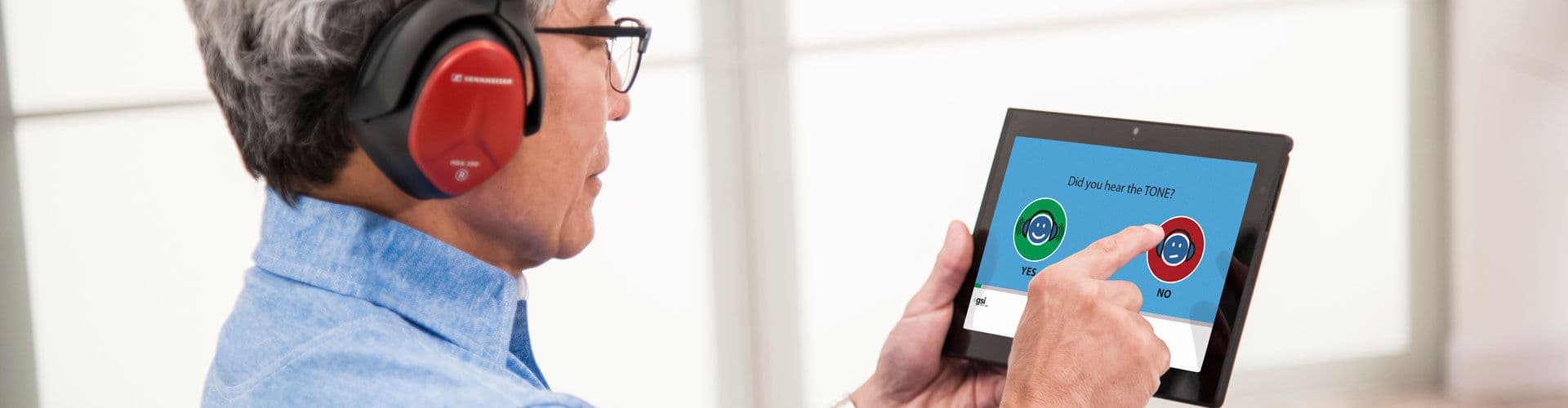
AMTAS Flex was designed to be used to conduct an on the go audiometry test. All that is needed to run AMTAS Flex is the software, an approved tablet computer, and calibrated circumaural headphones. This makes AMTAS Flex the perfect option for qualifying patients to give the clinician a basic overview of the patient’s hearing healthcare profile. It is also a great option for hearing care professionals who conduct screening outside the clinic setting.
Frequently Asked Questions
How does the GSI AMTAS Flex fit in with my current practice?
AMTAS Flex can be utilized for a variety of testing scenarios. For example, it can be used for walk-in patients, community outreach events, pre-screening for open houses, testing third parties, and annual evaluations. It also helps streamline your clinic throughput by allowing clinicians to manage more than one patient at a time.
Which tests does AMTAS Flex perform?
AMTAS Flex obtains air conduction thresholds from 250 - 8000 Hz. Air conduction screening at 500 Hz, 1 kHz, 2 kHz, and 4 kHz may also be performed.
What equipment do I need to use AMTAS Flex?
AMTAS Flex requires the use of a tablet computer equipped with the Windows operating system and calibrated headphones.
If AMTAS Flex is not performed in a sound booth, how can I ensure the background noise does not interfere with the results?
AMTAS Flex includes a room noise monitor system that evaluates the environment during a test to determine whether the results have been affected by background noise and distractions. It is important to find a quiet space to conduct the test. AMTAS Flex should be performed in an environment like an exam room or office space that is away from high traffic areas. To help reduce ambient noise and allow the patient to focus on the test, AMTAS Flex utilizes circumaural headphones.
Quality Indicators
The quality indicators provide information about the patient’s behavior during testing. Using the quality indicators gives the clinician insight on how to proceed with counseling and further testing.
1. Predicted Accuracy
How accurate is the test? Results are good, fair, or poor. If a poor result is returned, a re-assessment may be necessary.
2. Predicted Average Absolute Difference
Difference between automated and manual thresholds.
3. Time per Trial
The average time it took the patient to respond to the stimulus.
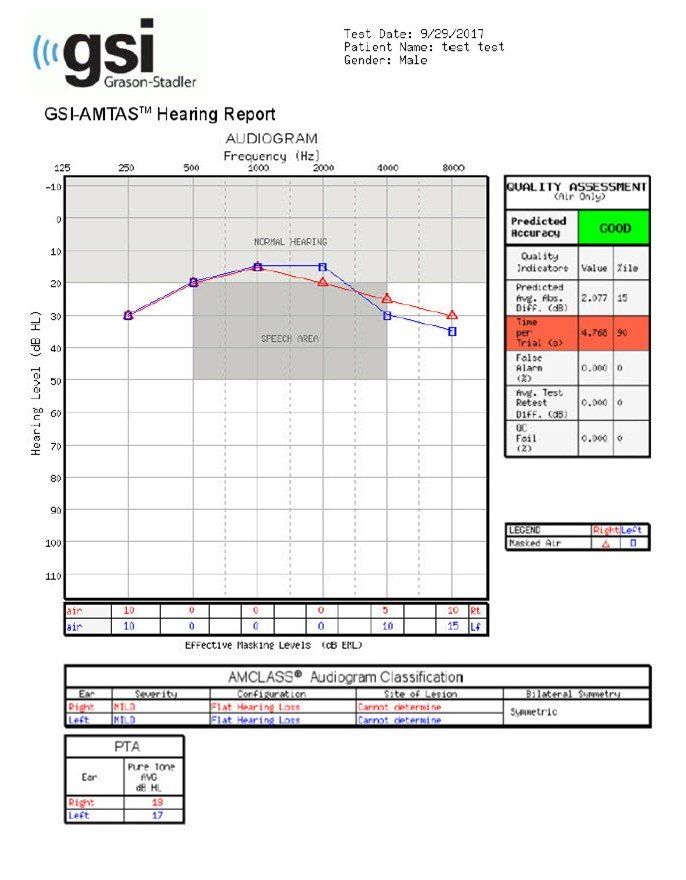
4. False Alarm Rate
The number of times the patient responded “yes” when no stimulus was presented, divided by the total number of times no stimulus was presented.
5. Average Test-Retest Difference
Average difference between 1 kHz test and retest in right and left ear.
6. Quality Check Fail Rate
Number of times patient did not respond to stimulus above threshold, divided by number of measured thresholds.
Featured Videos
PRODUCT TUTORIAL
Preparing the Patient
PRODUCT TUTORIAL
What Happens During Testing
PRODUCT TUTORIAL
AMTAS Data Management
New Tutorial Videos
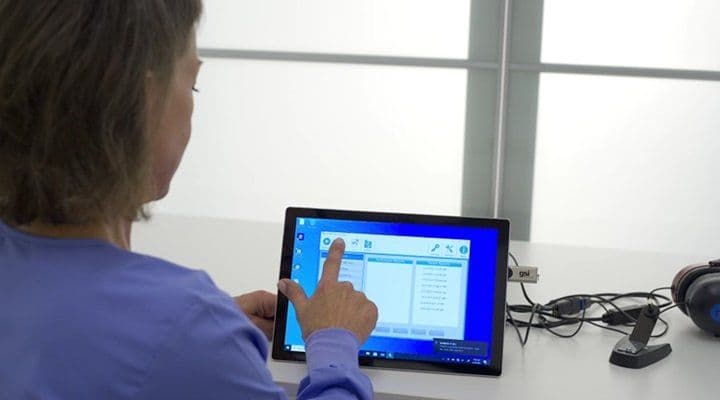
Follow the link to access the new GSI AMTAS Flex tutorial, along with other training materials. Topics covered include:
- Preparing the Patient
- What Happens During Testing
- AMTAS Data Management
- Security Settings
Two Versions Available
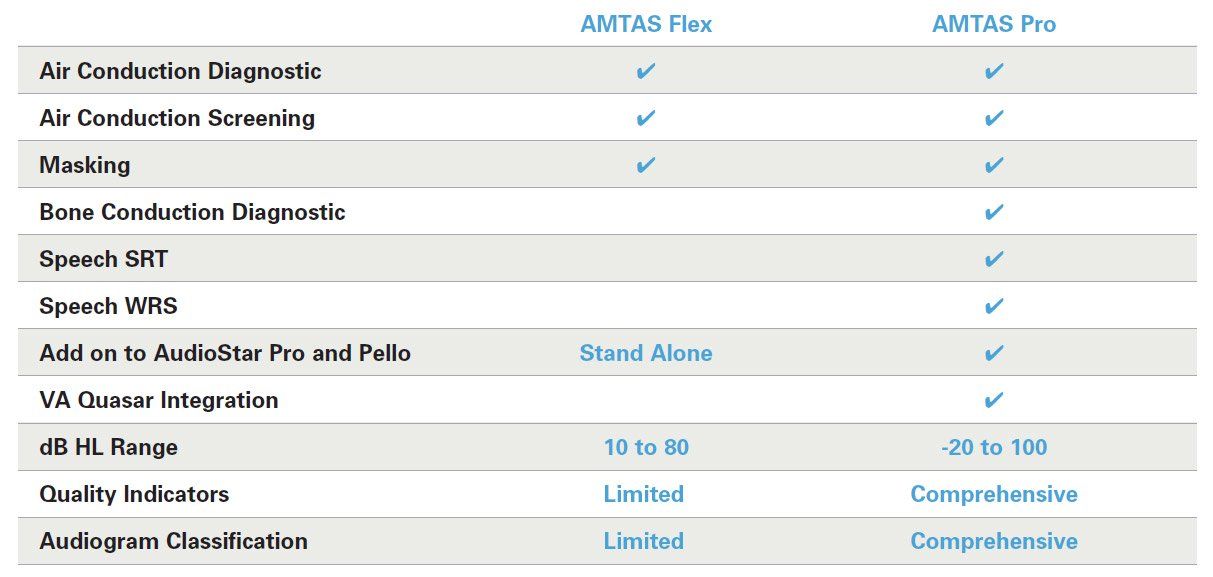
Two versions of GSI AMTAS are available to meet your needs. In addition to GSI AMTAS Flex, GSI AMTAS Pro offers a diagnostic version of the GSI AMTAS software.
GSI AMTAS Pro
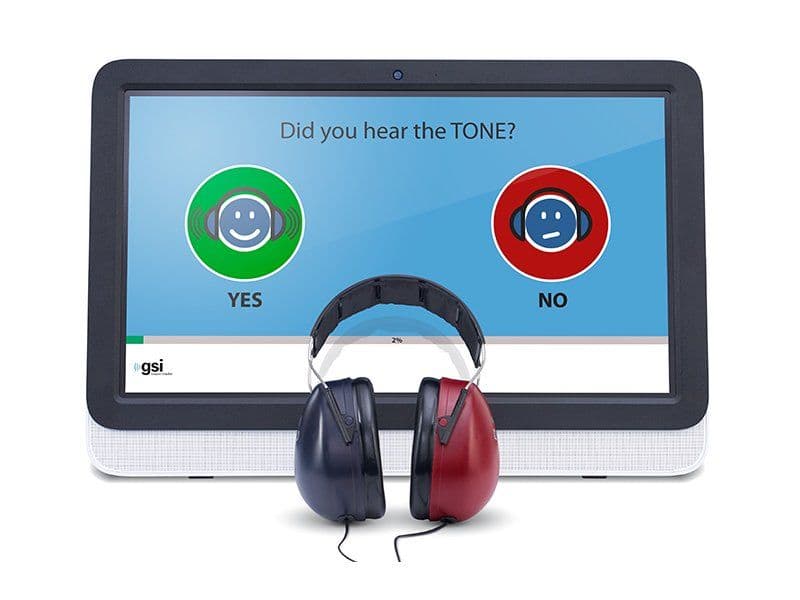
GSI AMTAS Pro operates with a GSI audiometer, either the AudioStar Pro™ or Pello™ that is connected to a touch screen computer. This version offers diagnostic and screening testing for air and bone conduction with masking and speech SRT and WRS with masking. This test is self-paced and typically takes 15 - 20 minutes to complete and does not require direct supervision. GSI AMTAS Pro provides nine quality indicators and two reporting options that allow clinicians to interpret patients’ results.
Instructions for Use
Follow the link to access the GSI AMTAS instructions for use.
Visit the Audiometers Page for a full list of available GSI audiometers.
Next Steps
Learn more by checking out our materials below or clicking the distributor locator button.