
Product Tutorials
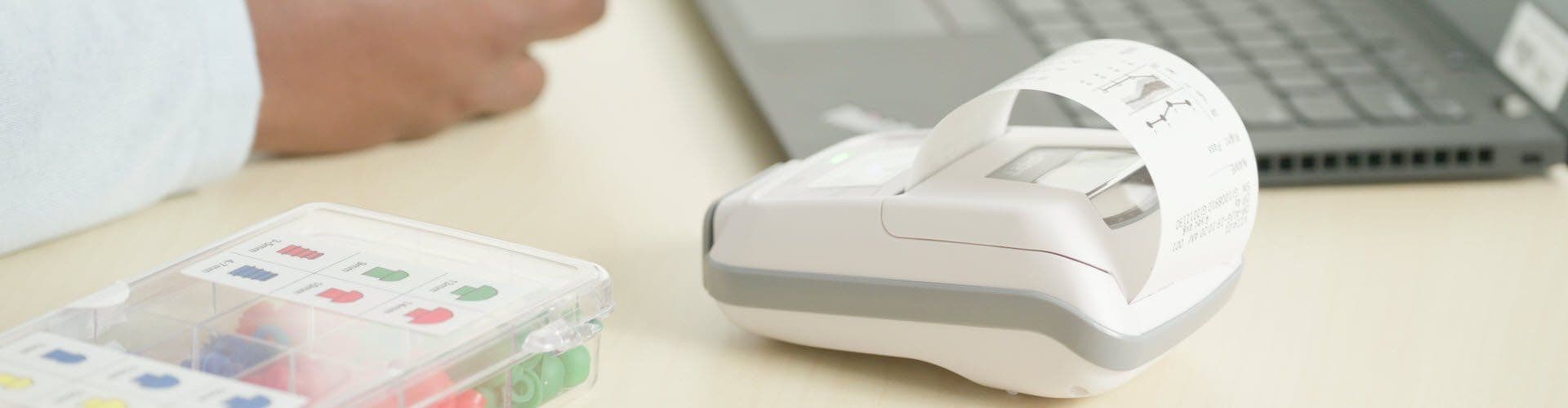
Below is a library of product tutorial videos and supporting information that is available for basic instruction on how to operate a number of GSI devices. Topics covered include basic device operation, how to prepare for testing, what happens during testing, post-testing options (such as data management), troubleshooting tips, and infection control.
GSI 18 Tutorial
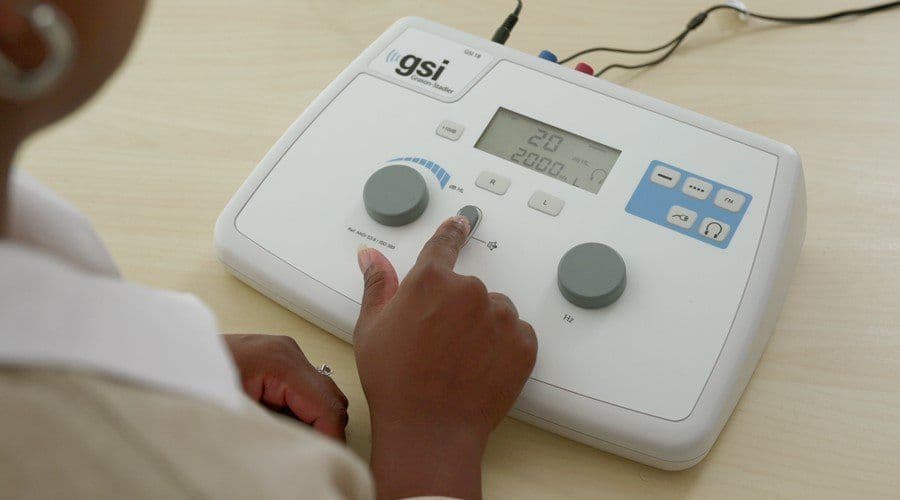
The GSI 18™ is a screening audiometer with three stimulus modifications and two transducer options. This tutorial covers the basics of how to get started with the GSI 18, how to prepare the patient, what happens during pure tone audiometry testing, and infection control post-testing.
- Full Tutorial WATCH
- Tutorial Chapters WATCH
- GSI 18 Page VIEW GSI 18
- GSI 18 Datasheet DOWNLOAD
Allegro Tutorial
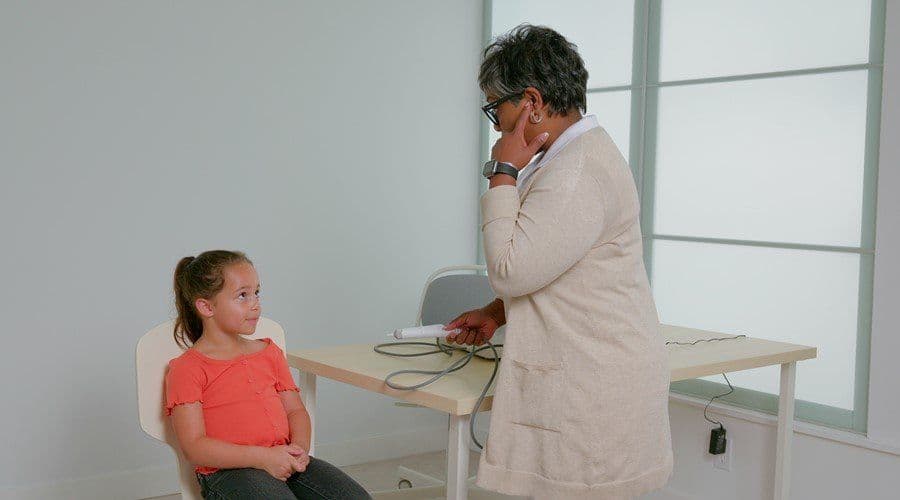
The GSI Allegro™ is a handheld screening tympanometer that is capable of performing tympanometry and ipsilateral reflex testing. This tutorial covers how to get started with the GSI Allegro, how to prepare for testing, what happens during testing, and how to manage data after testing with the included Tympview software.
- Full Tutorial WATCH
- Tutorial Chapters WATCH
- Allegro Page VIEW ALLEGRO
- Allegro Datasheet DOWNLOAD


Corti Tutorial
The GSI Corti™ is a OAE testing device that gives users the capability to perform DPOAE and TEOAE tests. Screening or Clinical protocols can be set up depending on the version of the device that is purchased. This tutorial covers the basics of testing with the GSI Corti: how to prepare the patient, what happens during both DPOAE and TEOAE testing, data management options when testing is complete, and a number of troubleshooting tips in the settings menu.
- Full Tutorial WATCH
- Tutorial Chapters WATCH
- Corti Page VIEW CORTI
- Corti Datasheet DOWNLOAD
GSI 39 Tutorial
The GSI 39™ is a screening device that provides users with tympanometry, acoustic reflex measurements, and audiometry depending on which license is purchased. Included in these tutorials are an overview of the different buttons on the GSI 39, an overview of testing for both tympanometry and audiometry, and a review of post-testing with GSI Suite.
- Full Tutorial WATCH
- Tutorial Chapters WATCH
- GSI 39 Page VIEW GSI 39
- GSI 39 Datasheet DOWNLOAD
GSI AMTAS Pro Tutorial
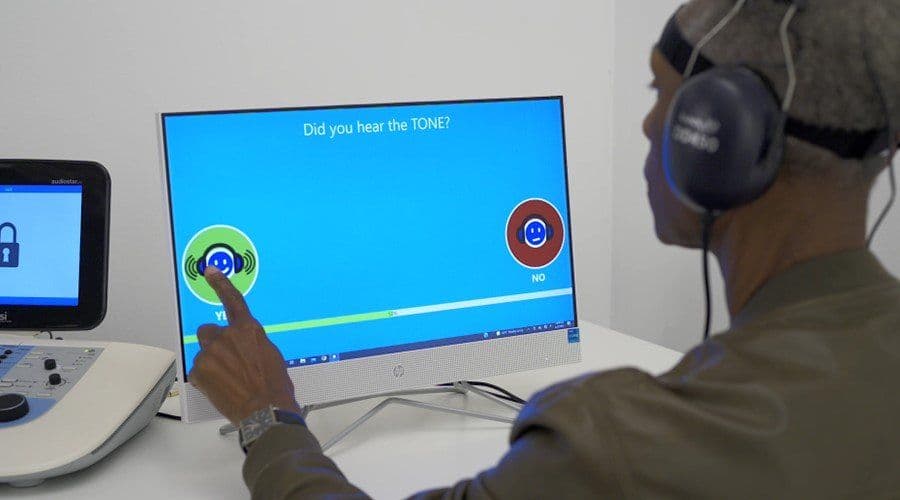
GSI AMTAS Pro™ is an automated audiometry software that is run through a touch screen computer connected to a compatible GSI audiometer. This tutorial covers the basics of automated audiometry, how to prepare the patient, what testing is like, and what the clinician needs to do with the data once testing is complete.
- Full Tutorial WATCH
- Tutorial Chapters WATCH
- AMTAS Pro Page VIEW AMTAS PRO
- AMTAS Datasheet DOWNLOAD
GSI AMTAS Flex Tutorial
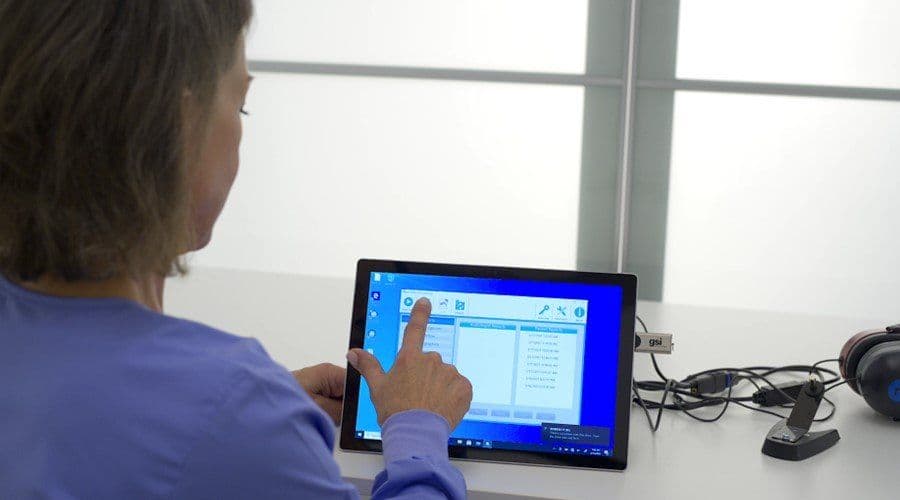
GSI AMTAS Flex™ is an automated audiometry software that is run on a tablet computer with no audiometer required. This tutorial covers how to get the patient set up for testing, what happens during testing, and data management with AMTAS Flex.
- Full Tutorial WATCH
- Tutorial Chapters WATCH
- AMTAS Flex Page VIEW AMTAS FLEX
- AMTAS Datasheet DOWNLOAD
Novus Tutorial
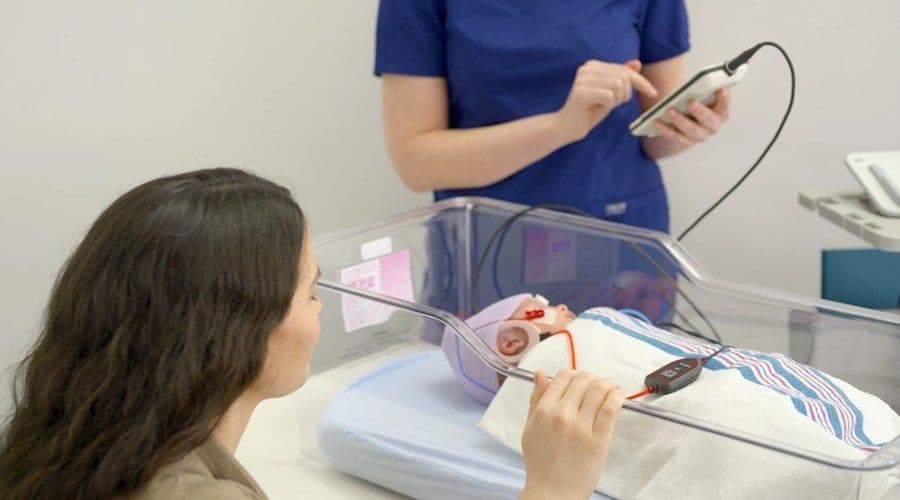
The GSI Novus™ is a newborn hearing screening device that gives users the ability to perform AABR and OAE testing. Topics covered in this tutorial include how to prepare the baby for testing, what the ideal environment should be like, how testing for both modalities works, and what to do post-testing.
- Full Tutorial WATCH
- Tutorial Chapters WATCH
- Novus Page VIEW NOVUS
- Novus Datasheet DOWNLOAD